Digital Emirates ID (2026): How to Get Your Emirates ID on Your Phone with the UAEICP App and UAE PASS, Where You Can Use It, and What It Cannot Replace Yet
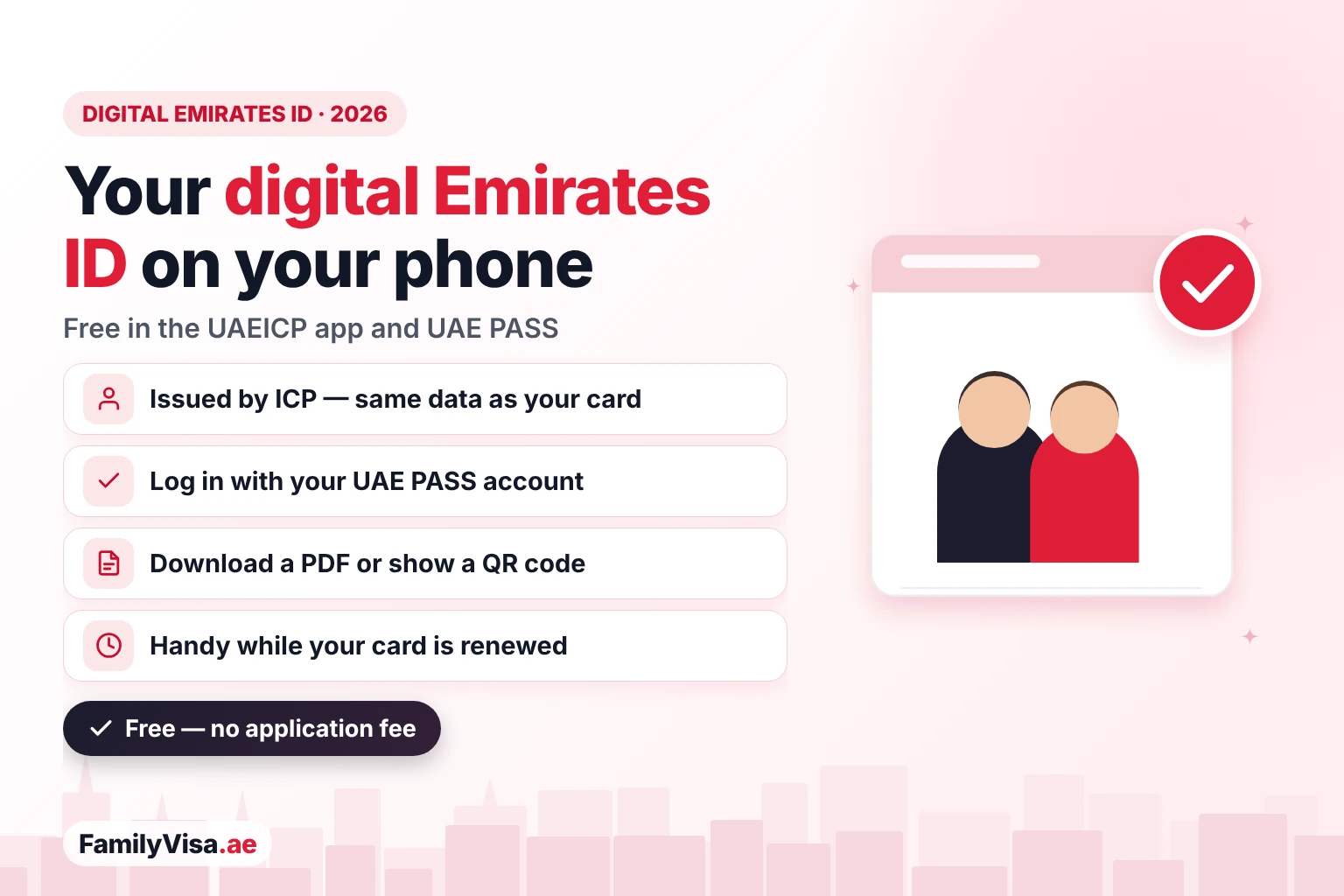
The digital Emirates ID is the free electronic version of your Emirates ID card, issued by ICP and shown on your phone in the UAEICP app and in UAE PASS. It carries the same name, photo, Emirates ID number and expiry date as the plastic card, you can download it as a PDF or show a QR code, and you sign in to most government visa services with it. In Arabic it is searched as الهوية الرقمية الإماراتية — a term also used for UAE PASS, the national digital identity. Below: the difference, the steps, where it is accepted and what to do when the card expires or is lost.
🪪 What is the digital Emirates ID and who issues it?
It is your Emirates ID card in electronic form. The Federal Authority for Identity, Citizenship, Customs and Port Security (ICP) issues the Emirates ID for every emirate — Dubai included — and the same record appears in its official app. There is no separate application and no fee: once your physical card is issued, the digital ID is available to you.
🔐 Is the digital Emirates ID the same as UAE PASS?
No — they work together. Many Arabic searches for الهوية الرقمية الإماراتية are really about UAE PASS, so it helps to separate the two:
| Digital Emirates ID | UAE PASS | |
|---|---|---|
| What it is | The electronic copy of your ID card | The national digital identity — your login and e-signature |
| Who runs it | ICP | The UAE government (TDRA with Dubai and Abu Dhabi digital authorities) |
| Used for | Showing, downloading and verifying your ID | Logging in to government and many private services, signing documents |
| Where you see it | UAEICP app, UAE PASS documents, Apple Wallet | The UAE PASS app |
| What you need | A valid Emirates ID and a UAE PASS login | A valid Emirates ID, a UAE mobile number and a face check |
| Cost | Free | Free |
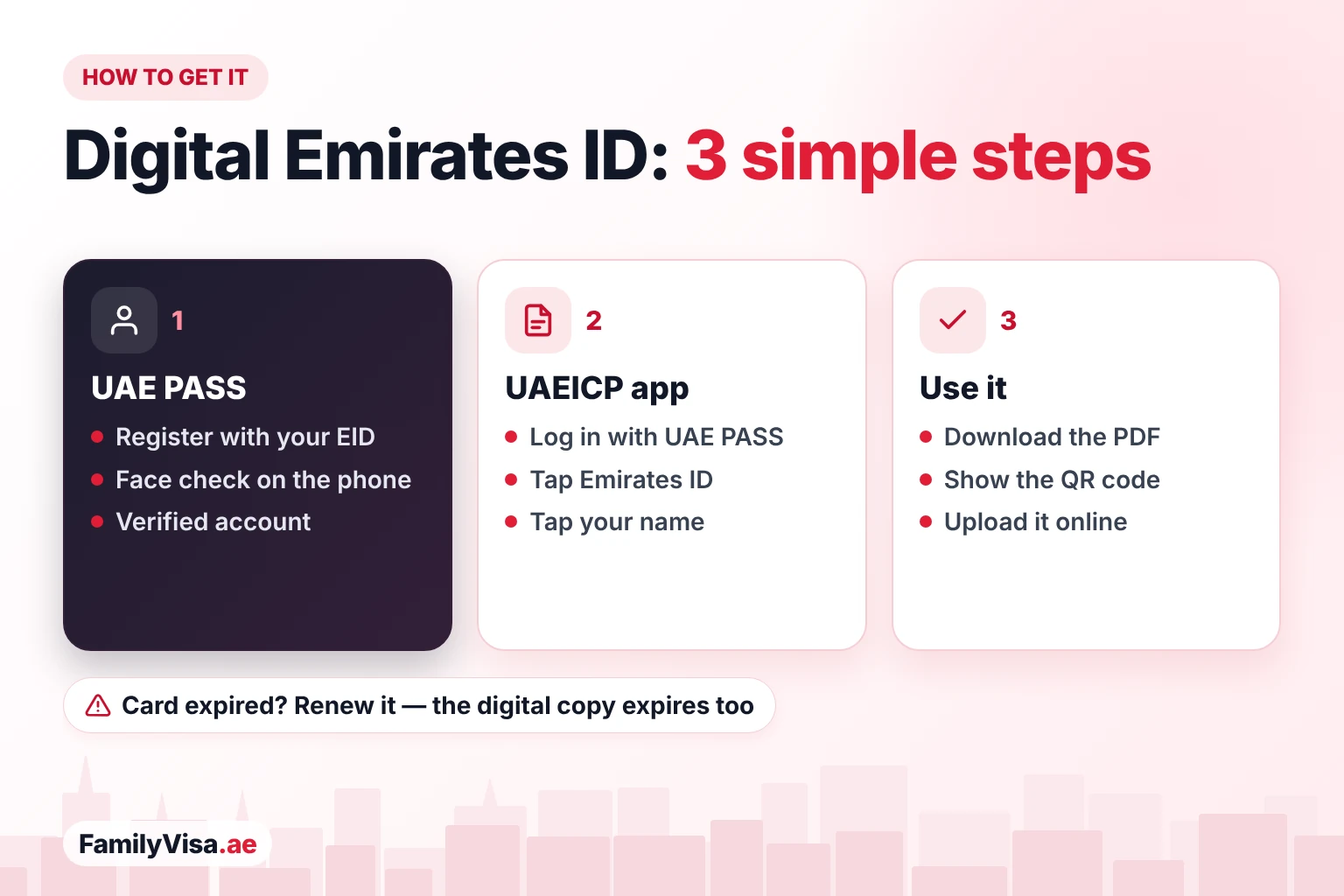
🪜 How do I get my digital Emirates ID? Step by step
The whole process takes about ten minutes the first time. You need a valid Emirates ID, a UAE mobile number that is linked to it, an email address and a smartphone with a camera.
📲 What are the ways to show my Emirates ID on my phone?
✅ Where is the digital Emirates ID accepted?
Online, almost everywhere; in person, it depends on the office. ICP has said it is moving identity checks to its app and to face recognition in phases. Until that is complete, treat the digital ID as a convenient copy, not a replacement for the card.
| Where | Digital ID usually enough? | Note |
|---|---|---|
| ICP and GDRFA online services | Yes | You log in with UAE PASS; your Emirates ID is read from the record |
| Other government portals | Usually | UAE PASS login; PDF copy for uploads |
| Amer and typing centres | Usually | The PDF or a copy is used for typing; some steps may still ask for the card |
| Banks and telecom shops | Sometimes | Many accept UAE PASS for online onboarding; branches may ask for the card |
| Hospitals, clinics, hotels | Not always | The physical card is often still requested |
| Airports and GCC travel | No | Carry your passport and the physical Emirates ID |
🛂 Can I use my digital Emirates ID for visa services?
Yes — this is where it helps most. For family visa applications, renewals, cancellations and status checks you log in to ICP smart services or GDRFA Dubai with UAE PASS, and the system fills your Emirates ID details automatically. You rarely need to upload a copy of your own card.
Which visa services use UAE PASS and the digital Emirates ID?
Do my family members need their own digital Emirates ID?
Not for visa services: the sponsor applies for the whole family with his or her own UAE PASS. Family members aged 15 and over can still create their own UAE PASS account and see their own card, which is useful for banks, schools and their own services.
🔄 What has changed? Old rules vs 2026
| Topic | Before | Now (2026) |
|---|---|---|
| Proof of residence | Visa sticker in the passport | The Emirates ID (sticker phased out from 2022); residence copy in the app |
| ID copies | Photocopies of both sides of the card | PDF from the UAEICP app or a UAE PASS document |
| Online login | Separate usernames for each portal | One UAE PASS login for ICP, GDRFA and most services |
| Identity checks in person | Card only | Card, QR code, and face recognition being rolled out by ICP |
| Card being renewed or lost | No ID until the new card arrived | Digital copy or QR code in the meantime |
⏳ What if my Emirates ID is expired, lost or damaged?
Does the digital Emirates ID still work after expiry?
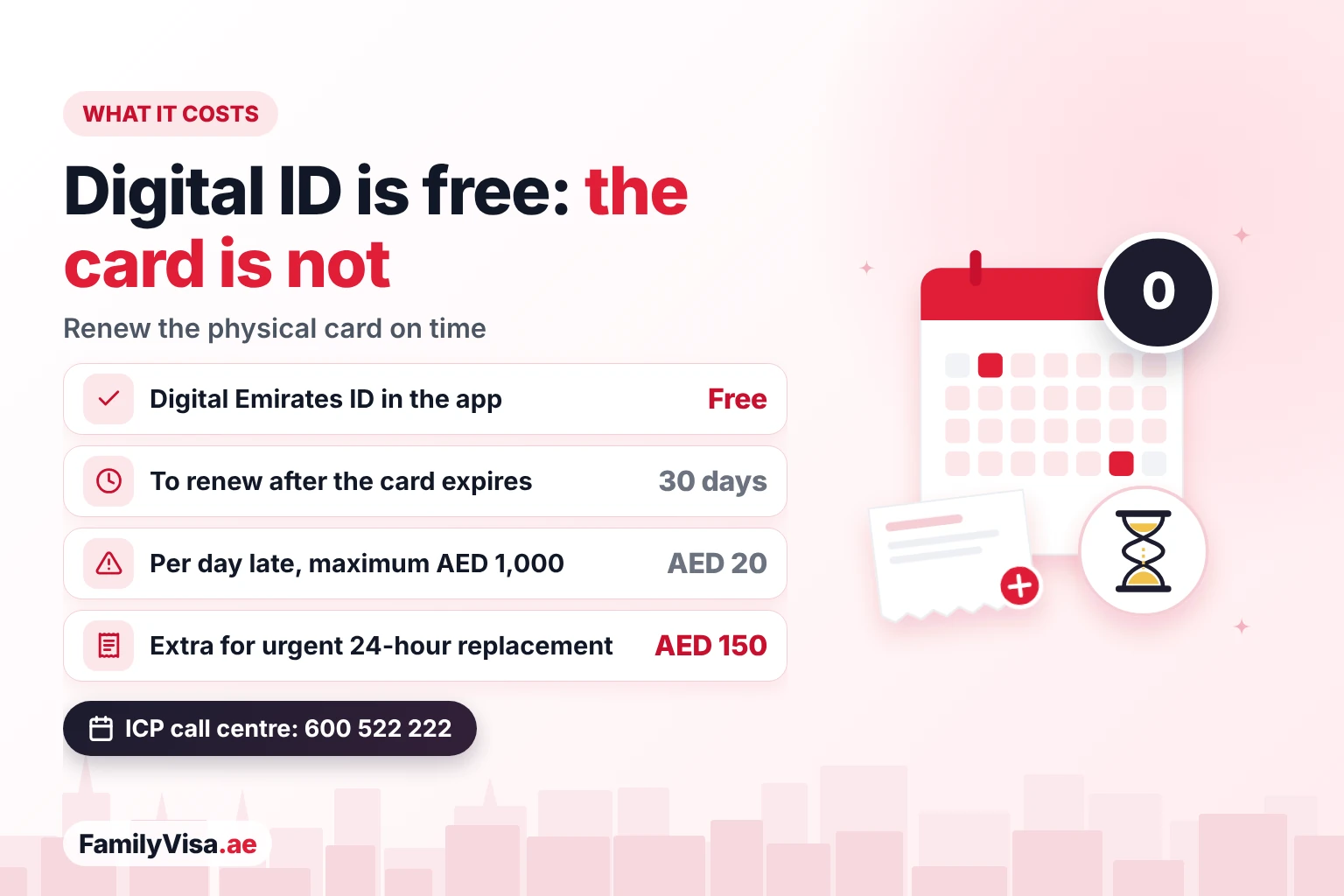
No. The digital card has exactly the same expiry date as the physical card. After that date it is no longer valid, and from 30 days after expiry a late renewal fine of AED 20 a day applies, up to a maximum of AED 1,000. For a residence that has been cancelled there is no Emirates ID fine. Check yours with our Emirates ID fine check.
What should I do if I lose my Emirates ID?
Report the loss to ICP and apply for a replacement — u.ae asks you to report it within 7 days. The digital copy helps for online services while you wait, but it is not a replacement card. An urgent replacement is issued in 24 hours for AED 150 extra (for residents replacing a card). Read our lost Emirates ID replacement guide.
🛠️ Why can't I see my Emirates ID in the UAEICP app?
🤝 Emirates ID and visa services by FamilyVisa.ae
FamilyVisa.ae handles the paperwork behind your Emirates ID and your family's visas — online, from your phone:
📝 Quick recap
- The digital Emirates ID is the free electronic version of your ICP card, in the UAEICP app and UAE PASS.
- UAE PASS is your national digital identity (login and e-signature); the digital Emirates ID is your card on your phone.
- Get it: verify UAE PASS with a face check, log in to the UAEICP app, tap Emirates ID — download the PDF, add it to Apple Wallet or show the QR code.
- Online and for visa services it is usually enough; banks, hospitals, hotels and travel may still need the physical card.
- It expires with the card: renew within 30 days of expiry or pay AED 20 a day, up to AED 1,000.
🔗 Related guides
- Emirates ID services
- Emirates ID status check
- UAE PASS for visa and Emirates ID services
- Where to find your UAE residence visa file number
- Lost Emirates ID replacement
- Emirates ID photo change
- ICP smart services for family visas
❓ Frequently asked questions
1. What is the digital Emirates ID?
It is the electronic version of your Emirates ID card, issued by ICP and shown in the UAEICP app and in the documents section of UAE PASS. It carries the same details as the physical card: name, photo, Emirates ID number, nationality and expiry date.
2. Is the digital Emirates ID free?
Yes. Viewing, downloading or sharing the digital Emirates ID costs nothing. Fees apply only when you issue, renew or replace the physical card.
3. How do I get my Emirates ID on my phone?
Create and verify a UAE PASS account, install the UAEICP app, log in with UAE PASS, tap Emirates ID and then your name. You can view the card, download it as a PDF or show its QR code.
4. Can I add my Emirates ID to UAE PASS?
Yes. In UAE PASS open Documents, choose to add a document, pick Emirates ID and request it. It usually appears within a few minutes and can be shared with entities that accept UAE PASS documents.
5. Is UAE PASS the same as the digital Emirates ID?
No. UAE PASS is the national digital identity you use to log in and sign documents online. The digital Emirates ID is the electronic copy of your ID card, which you can open through UAE PASS or the UAEICP app.
6. Who can get a digital Emirates ID?
Any UAE citizen or resident with a valid Emirates ID, including children and family visa holders. Children's cards are usually viewed through the parent's account in the UAEICP app.
7. Can I use the digital Emirates ID for visa applications?
For most online visa services you log in with UAE PASS and the system reads your Emirates ID details directly, so you rarely need to upload a copy. Where an upload is asked, the PDF from the UAEICP app is usually accepted.
8. Does the digital Emirates ID replace the physical card?
Not fully yet. ICP is moving services to digital identity and face recognition in phases, but some banks, hospitals, hotels and border checks may still ask for the physical card. Keep the card valid and with you.
9. Can I use the digital Emirates ID at the airport?
Do not rely on it for travel. Use your passport and keep the physical card; for GCC travel or smart gates, carry the physical Emirates ID.
10. Does the digital Emirates ID work offline?
The PDF you download from the UAEICP app can be opened without internet. The live card and the QR code in the apps need a connection.
11. My Emirates ID expired. Does the digital version still work?
No. The digital card shows the same expiry date and is not valid after it. Renew the card within 30 days of expiry to avoid the fine of AED 20 a day, up to AED 1,000.
12. What is the Emirates ID QR code in the UAEICP app?
It is a code that shows your Emirates ID number, unified number and expiry date for verification. It is mainly meant for people whose card is being issued, renewed or replaced.
13. I lost my Emirates ID. Can I use the digital one meanwhile?
Yes, the digital copy helps for online services while you wait, but report the loss and apply for a replacement. An urgent 24-hour replacement costs AED 150 extra for residents replacing a card.
14. Why can't I see my Emirates ID in the app?
Usually because your UAE PASS account is not verified, the card is still being printed, the card has expired, or your mobile number is not linked to your Emirates ID. Update the number with ICP or call 600 522 222.
15. What do I need to register for UAE PASS?
A valid Emirates ID, a UAE mobile number, an email address and a smartphone with a camera for the face check.
16. Can I see my children's digital Emirates ID?
Usually yes. A sponsor can see family members' cards under his or her own account in the UAEICP app; older children can also create their own UAE PASS account.
17. Who issues the digital Emirates ID in Dubai?
ICP, the Federal Authority for Identity, Citizenship, Customs and Port Security, issues the Emirates ID for every emirate, including Dubai. GDRFA Dubai handles the Dubai residence visa itself.
18. Does the digital Emirates ID show my residence visa?
The card shows your identity and expiry. Your residence details, including the visa file number, are in the Residence section of the UAEICP app and in UAE PASS documents.
19. Is a screenshot of my Emirates ID valid?
A screenshot is only a picture. Use the PDF or the QR code from the official app, or share the card through UAE PASS, so the receiving entity can verify it.
20. What is the Arabic name of the digital Emirates ID?
Arabic speakers search for it as الهوية الرقمية الإماراتية. The same term is often used for UAE PASS, the national digital identity.
Last reviewed 15 October 2026. Rules and fees are set by ICP and UAE PASS and can change; the fees quoted are the amounts FamilyVisa.ae pays on 15 October 2026, and the amount shown in the GDRFA or ICP system when you apply is the final reference. Every application is decided by the immigration authorities. This guide is general information, not legal advice. Main official sources: u.ae — Emirates ID, ICP — Federal Authority for Identity, Citizenship, Customs and Port Security, UAE PASS. FamilyVisa.ae is operated by 800 DOCS LLC SOC, a DET-licensed private visa services company in Dubai — not a government office.
Need help with your Emirates ID?
Our team processes emirates id applications 100% online. Get a clear answer for your exact situation.
More on Emirates ID
UAE PASS for Visa & Emirates ID Services
UAE PASS for visa and Emirates ID services: which tasks need it, how to set up a verified account, basic vs verified, and fixes for login problems.
 Razeeb Abdulla·15 Oct 2026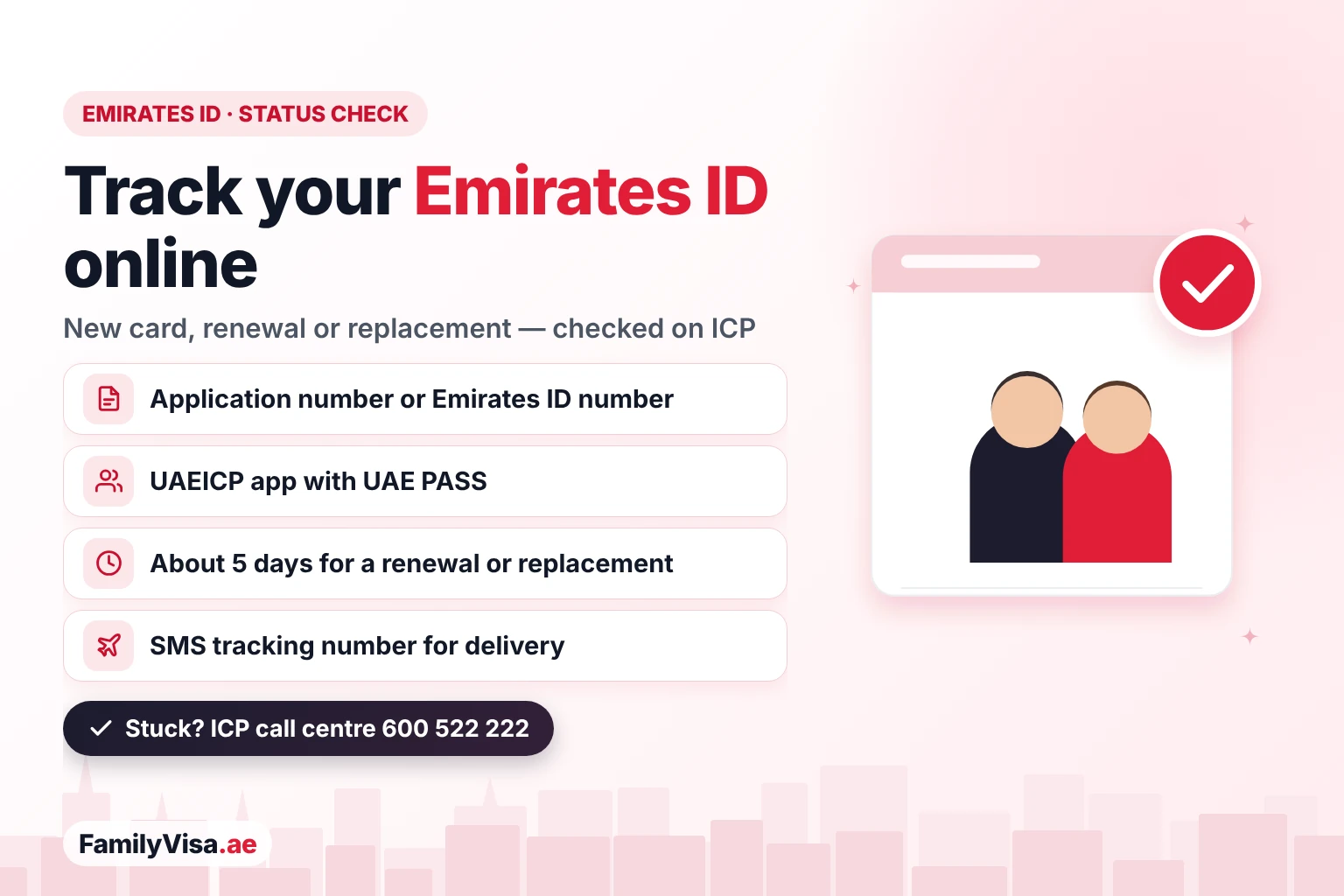
Emirates ID Status Check: Track Your Card
Emirates ID status check: track your application online with the application number or Emirates ID number, what each status means and how long the card takes.
Razeeb Abdulla·14 Oct 2026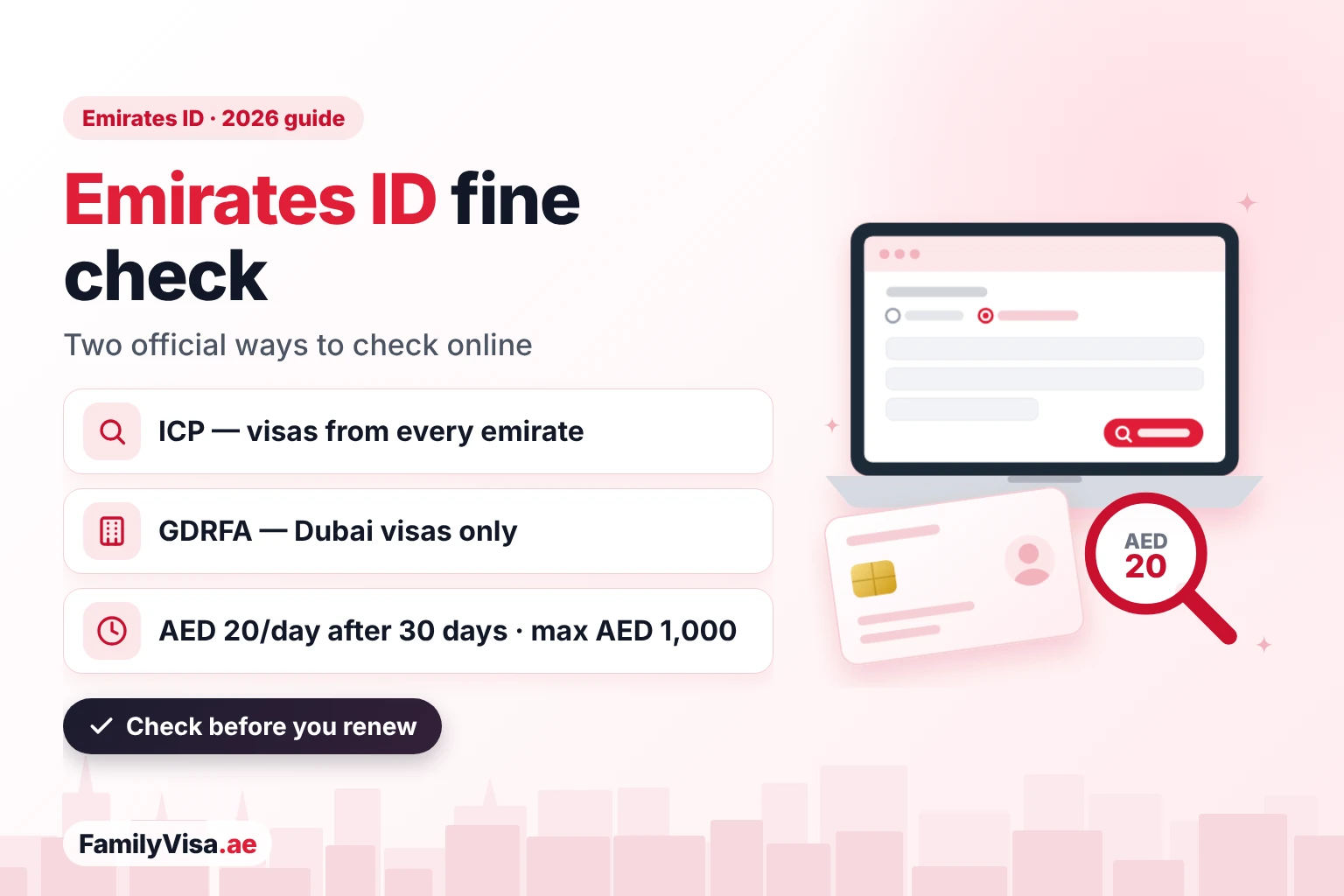
Emirates ID Fine Check & Visa Fine Waiver
Emirates ID fine check on ICP (all emirates) or GDRFA (Dubai): AED 20/day after 30 days, max AED 1,000. Overstay: AED 50/day, no stated cap. Waiver steps.
Razeeb Abdulla·10 Oct 2026